
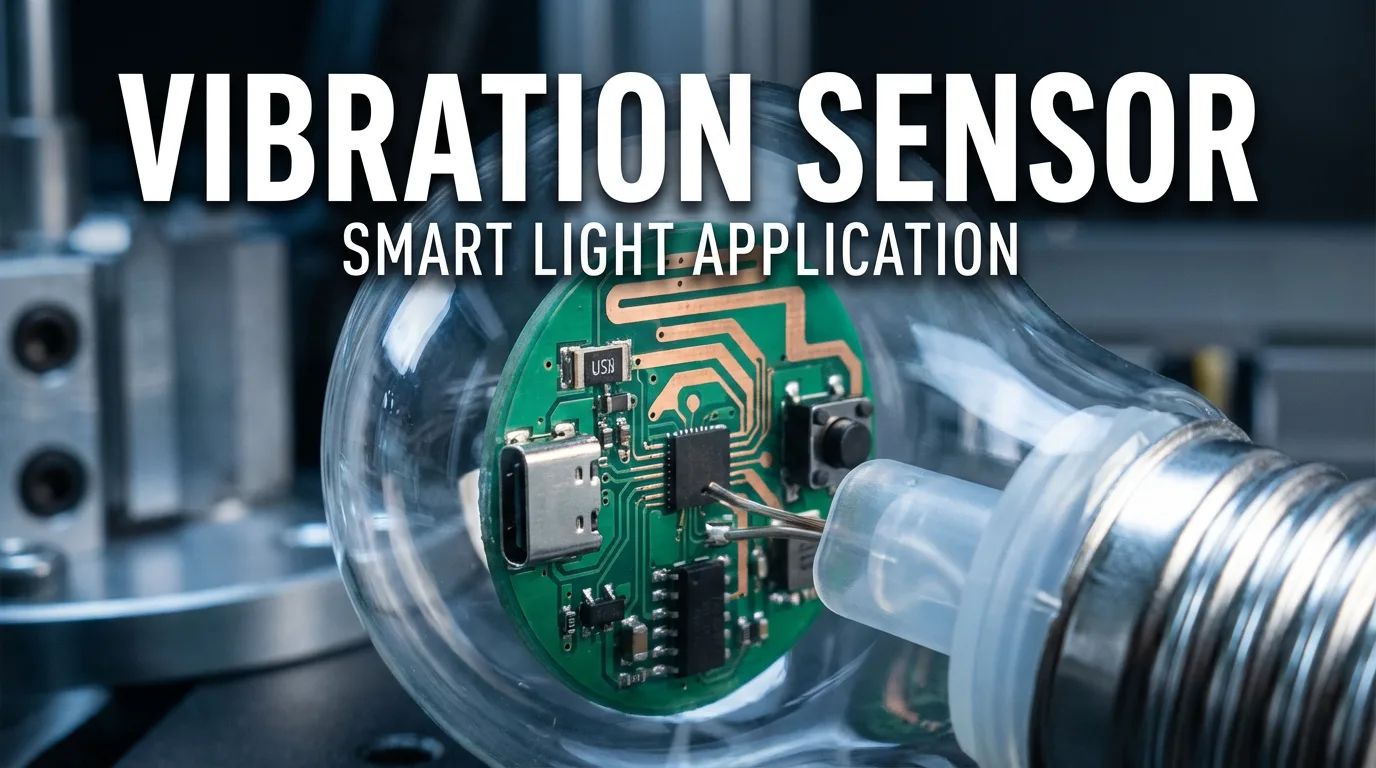
In the world of consumer electronics, user interaction is key. Gone are the days of static, boring products. Today, users expect devices that respond to touch, movement, and play.
At Kingdta, we often get asked how to implement simple yet effective motion detection in compact devices. Today, we are tearing down a fun example: a “Shake-to-Change” RGB light bulb. We will look “under the hood” to see how a simple Vibration Sensor makes this interactive experience possible.
The Application: Motion-Activated Color Changing
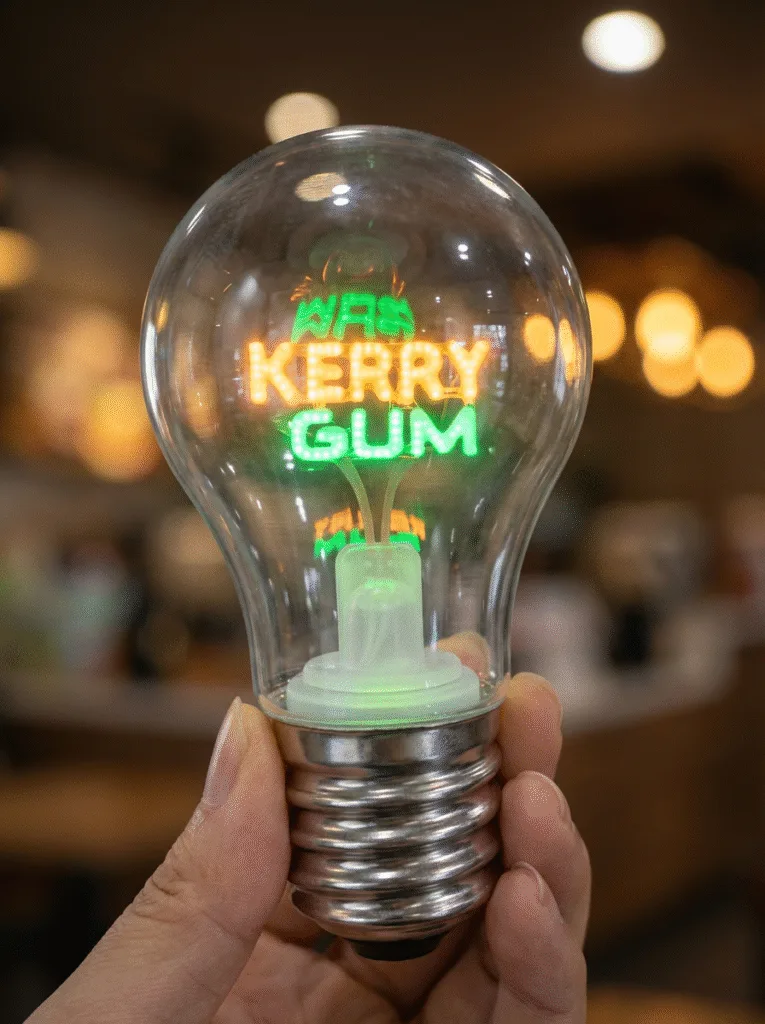
Look at the image below. On the outside, this appears to be a stylish, novelty light bulb featuring glowing text.
But the real magic happens when you hold it. With a gentle shake, the LED filaments change color—switching from orange to green, blue, or a breathing mode. This interactive feature transforms a simple gift into an engaging gadget. But how does it know it’s being shaken?
Under the Hood: The Role of the Vibration Sensor
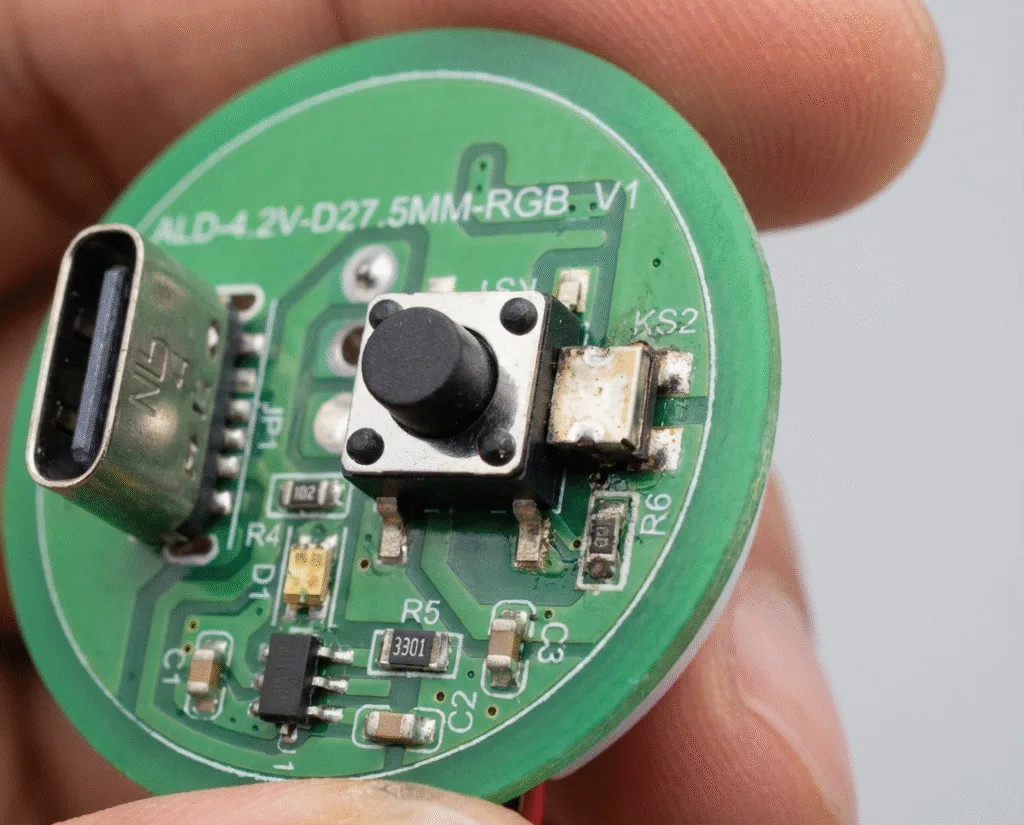
To understand the mechanism, we took the bulb apart to reveal the driver board (PCB). This circular board is the brain of the device.
As you can see in the teardown photos, the board is compact and packed with modern components:
- Type-C Port: For modern, fast charging.
- Tactile Switch: A standard push button for power On/Off.
- MCU: The micro-controller that manages the logic.
- The Vibration Sensor (The Star of the Show): The key component for motion detection.
How the Vibration Sensor Works
The sensor highlighted above is usually an electromechanical device. Here is the workflow:
- Rest State: When the bulb is sitting on a table, the sensor circuit is open, drawing negligible power.
- The “Shake”: When the user shakes the bulb, a small internal mechanism (like a spring or ball) inside the sensor moves due to inertia.
- The Trigger: This movement momentarily bridges contact points, sending a digital pulse signal to the MCU.
- The Action: The MCU detects this pulse and executes the command to cycle to the next RGB color pattern.
Why Choose Vibration Sensors for Interactive Electronics?
For product designers developing toys, promotional gifts, or smart home gadgets, vibration sensors offer distinct advantages over complex accelerometers:
- Cost-Effective: They are significantly cheaper than 6-axis gyroscopes.
- Low Power Consumption: Crucial for battery-operated devices like this bulb.
- Compact Size: As seen on the PCB, the sensor takes up very little space, allowing for sleek product designs.
- High Sensitivity: Modern sensors can be tuned to detect subtle vibrations or strong shakes.
Conclusion
The “Shake-to-Change” light bulb is a perfect example of how a small, affordable component can add significant value to a product. By integrating a reliable Vibration Sensor, manufacturers can turn static objects into interactive experiences.
Looking for high-sensitivity vibration switches or sensors for your next project?
Contact Kingdta today. We provide a wide range of electronic switches and components tailored to fit your specific design needs.
 English
  Chinese